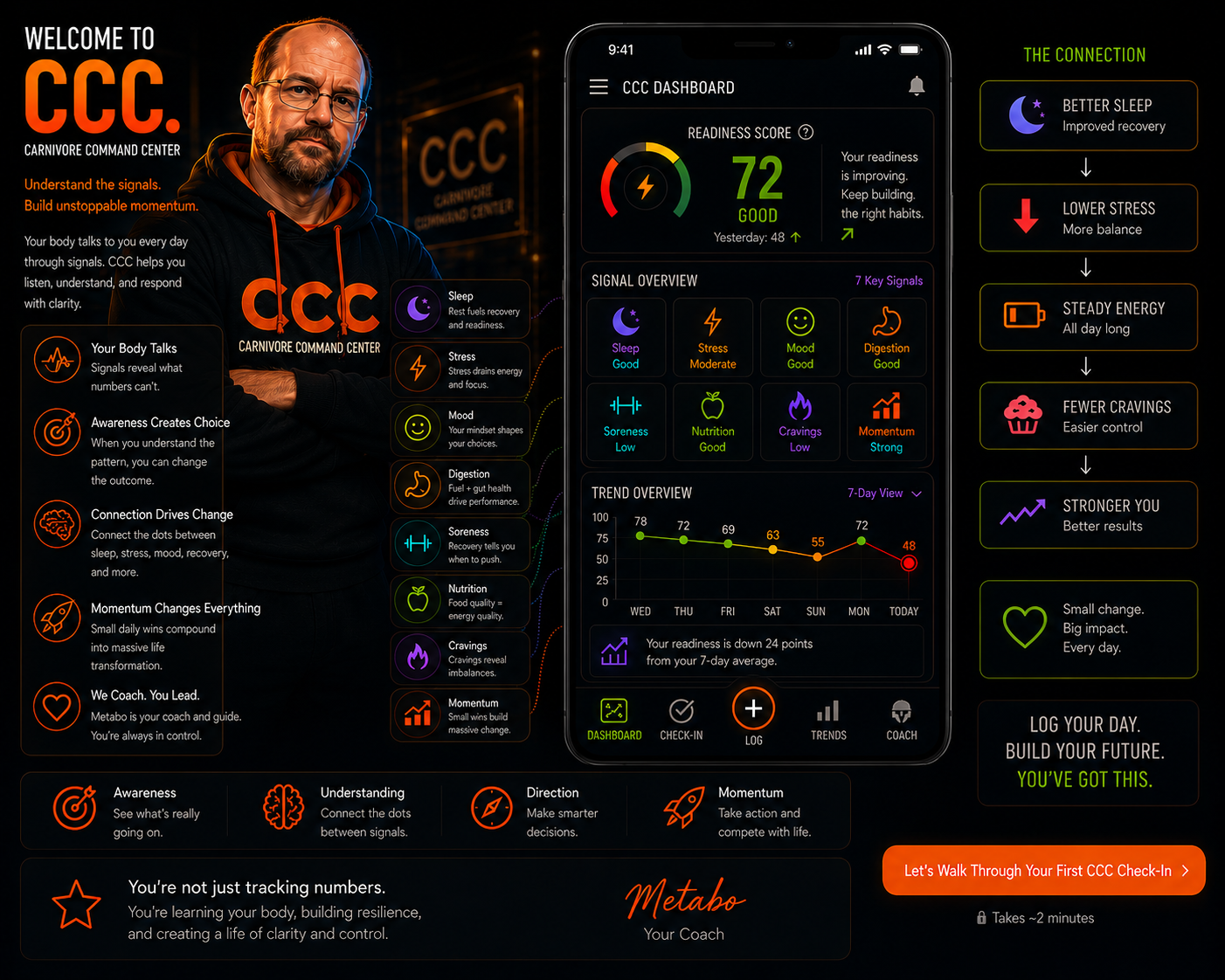
Welcome to CCC
Understand the signals. Build unstoppable momentum.
This walkthrough shows exactly how CCC turns a simple daily check-in into readiness, recovery, pattern awareness, and momentum.
Step 1 of 14 — Sleep
Recovery starts before motivation does.
Sleep is one of the strongest readiness signals because it affects cravings, discipline, stress tolerance, energy, and recovery.
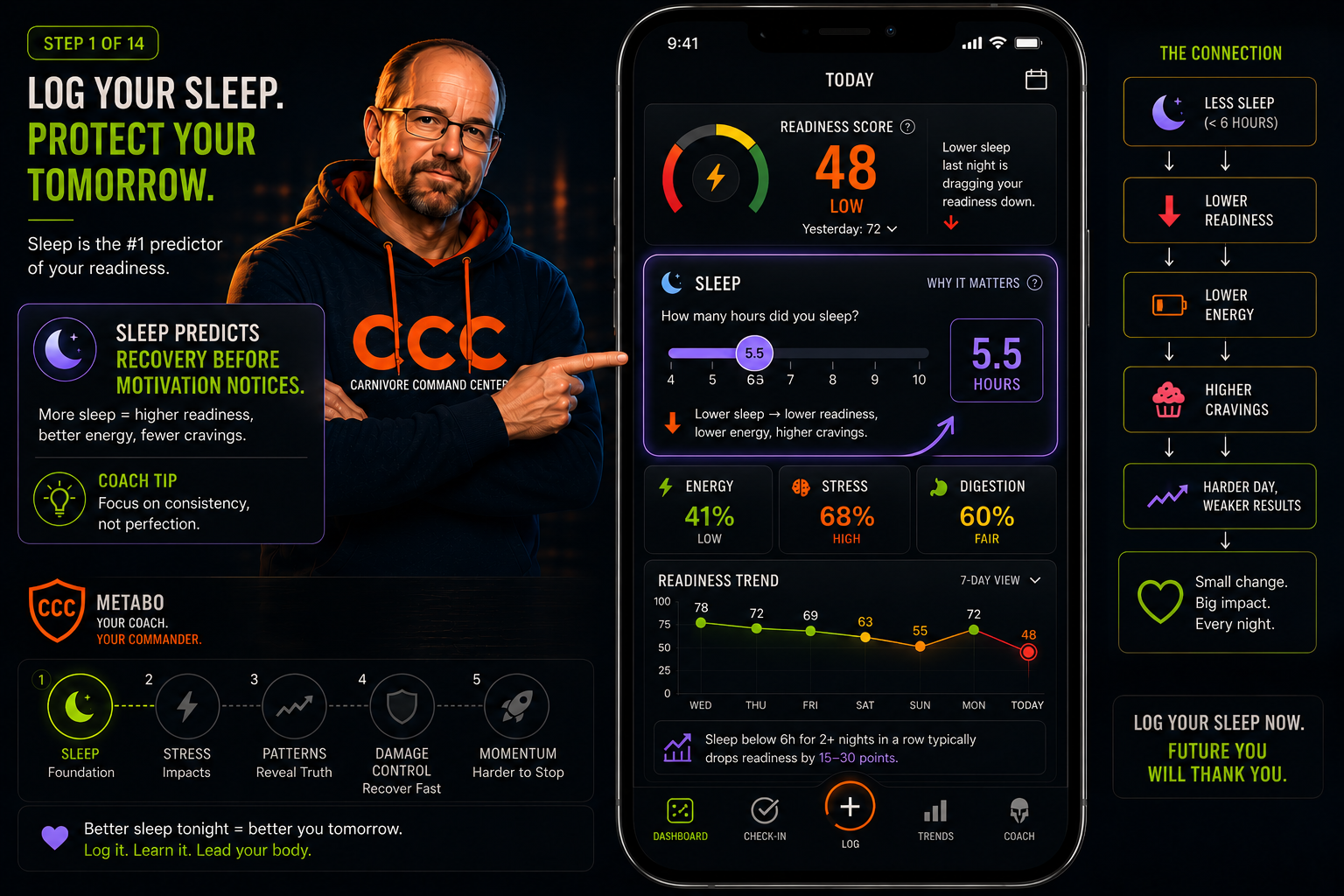
What CCC learns from sleep
- Recovery debt accumulation
- Craving vulnerability patterns
- Discipline risk before the day starts
- Whether today should be push or recover
Step 2 of 14 — Stress
Stress changes the difficulty level.
Stress helps CCC understand cravings, decision fatigue, recovery pressure, and whether today needs a softer plan.
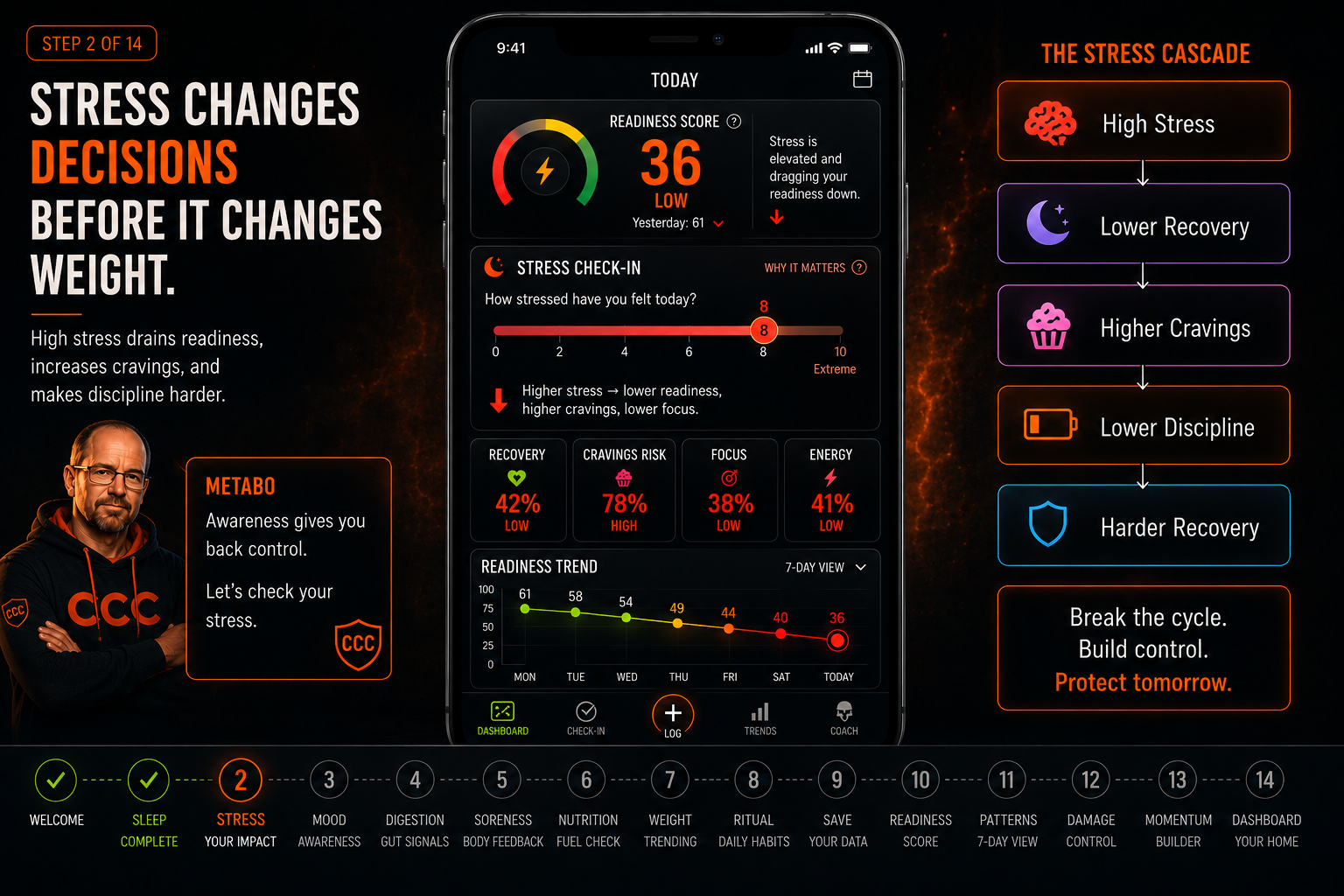
What CCC learns from stress
- Decision fatigue risk
- Craving pressure
- Recovery demand
- Whether today needs discipline or damage control
Step 3 of 14 — Mood
Your mindset is part of the data.
Mood gives CCC emotional context so your check-in becomes more than numbers on a dashboard.
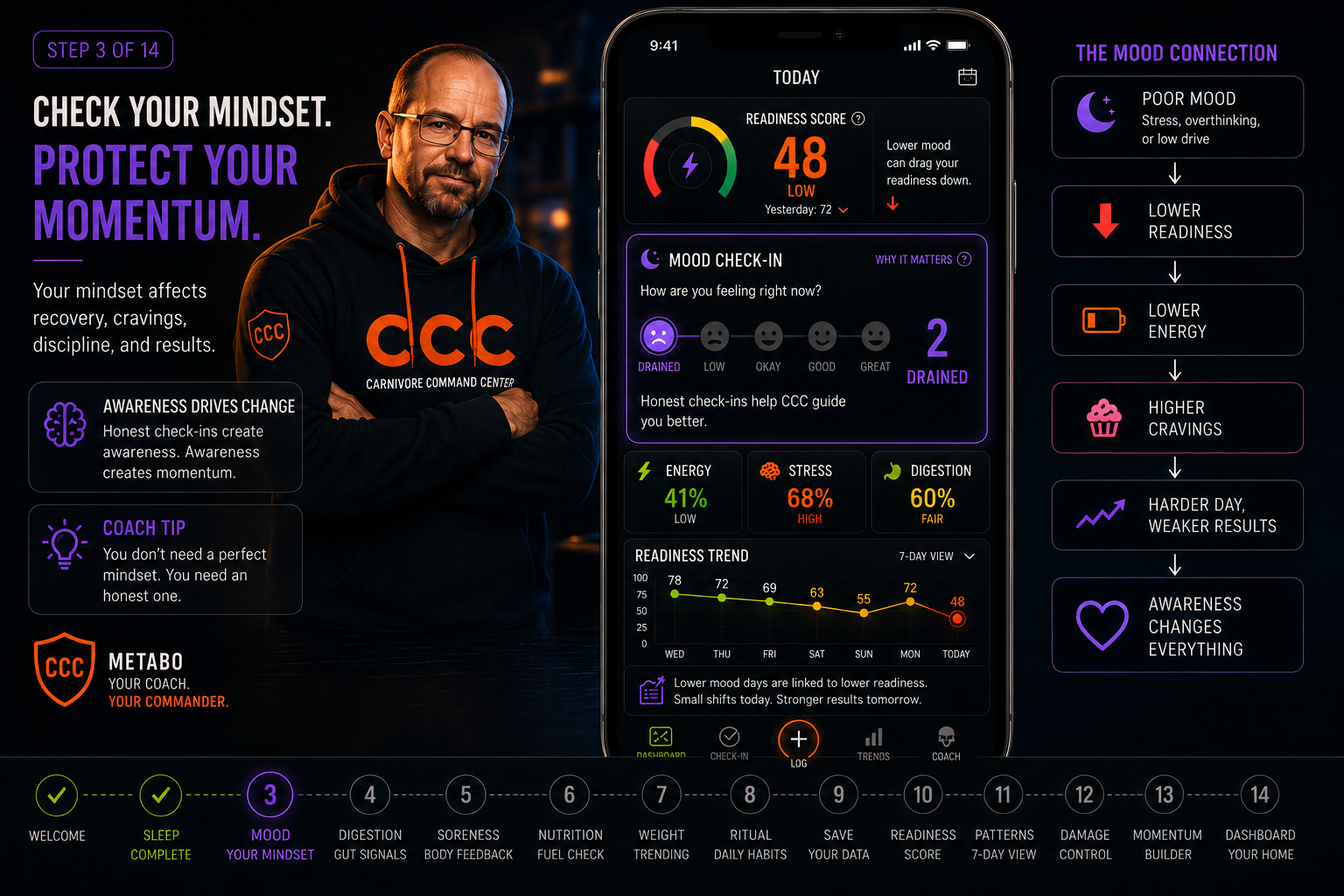
What CCC learns from mood
- Burnout patterns
- Emotional recovery
- Consistency risk
Step 4 of 14 — Digestion
Your body responds before the scale does.
Digestion can reveal food response, inflammation patterns, gut stress, and recovery issues.
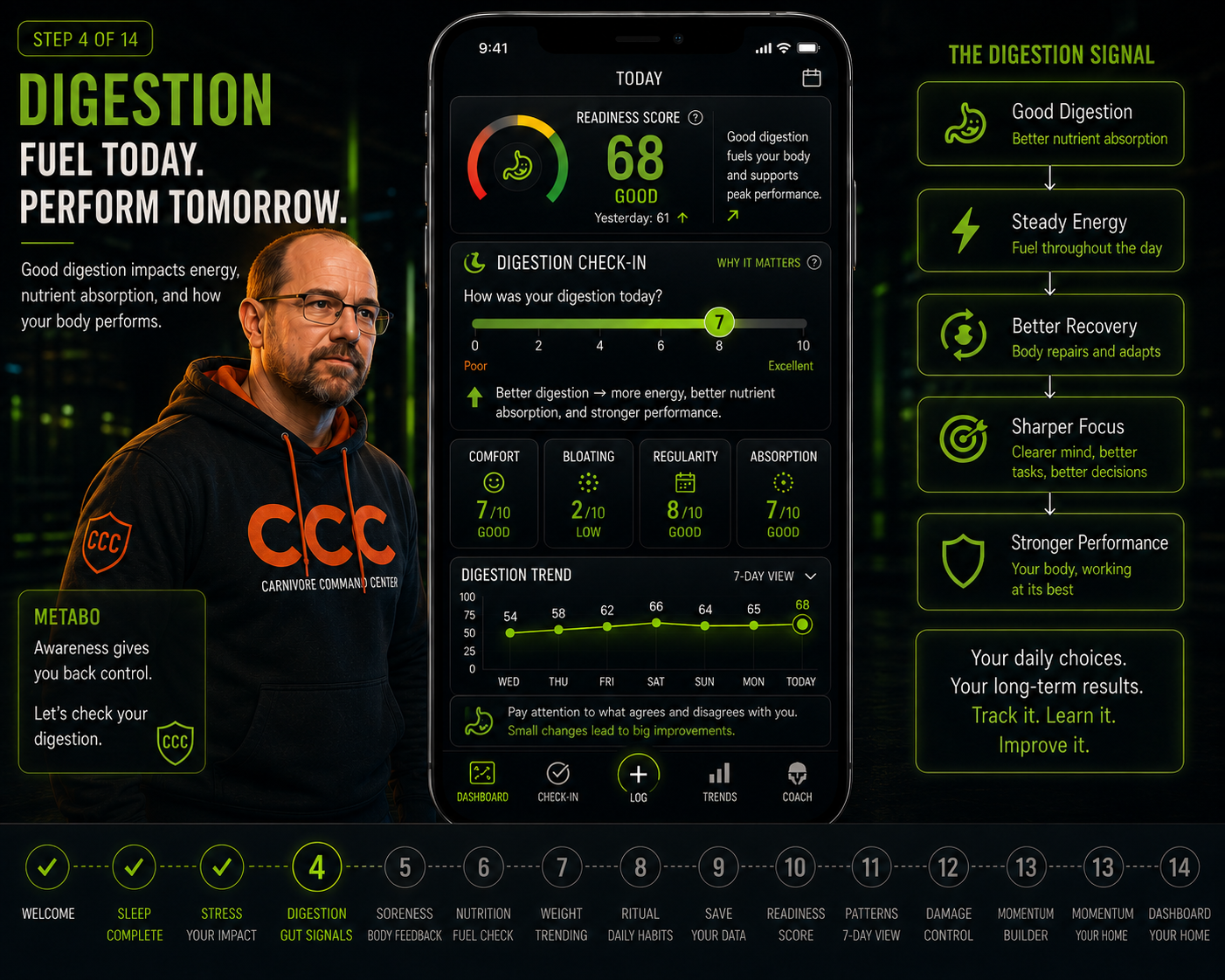
What CCC learns from digestion
- Food response trends
- Readiness impact
- Repeating discomfort patterns
Step 5 of 14 — Soreness
Know when to push and when to recover.
Soreness helps CCC understand training load, recovery debt, and whether today should be a push day or pull-back day.
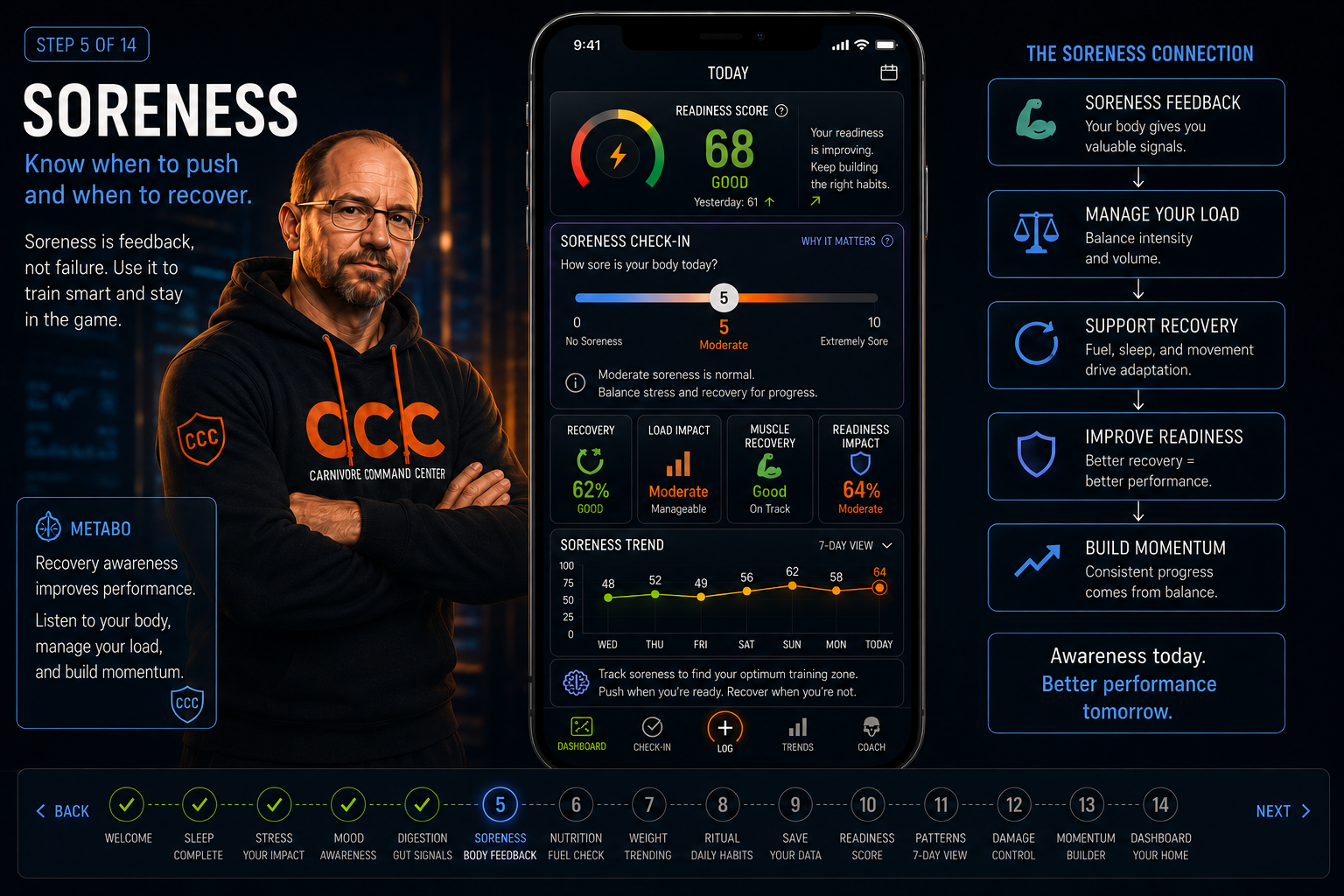
What CCC learns from soreness
- Physical fatigue
- Recovery debt
- Training readiness
Step 6 of 14 — Nutrition
Log food quality, not guilt.
CCC focuses on consistency, clean inputs, cravings, digestion, and recovery support.
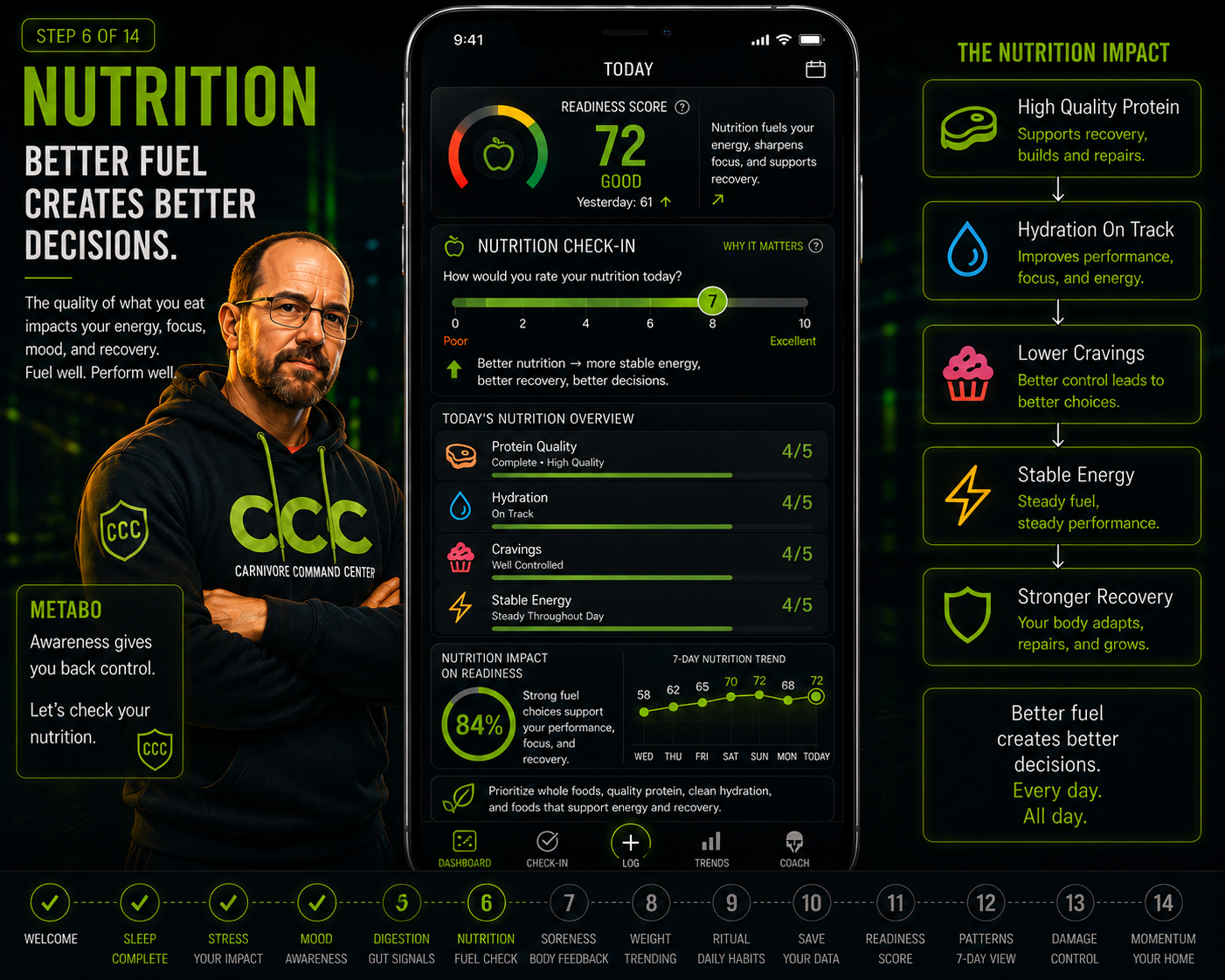
What CCC learns from nutrition
- Food quality consistency
- Craving connections
- Readiness support
Step 7 of 14 — Weight
Weight is optional context.
Daily weight can fluctuate from water, stress, sleep, salt, and digestion. CCC treats it as trend data, not judgment.
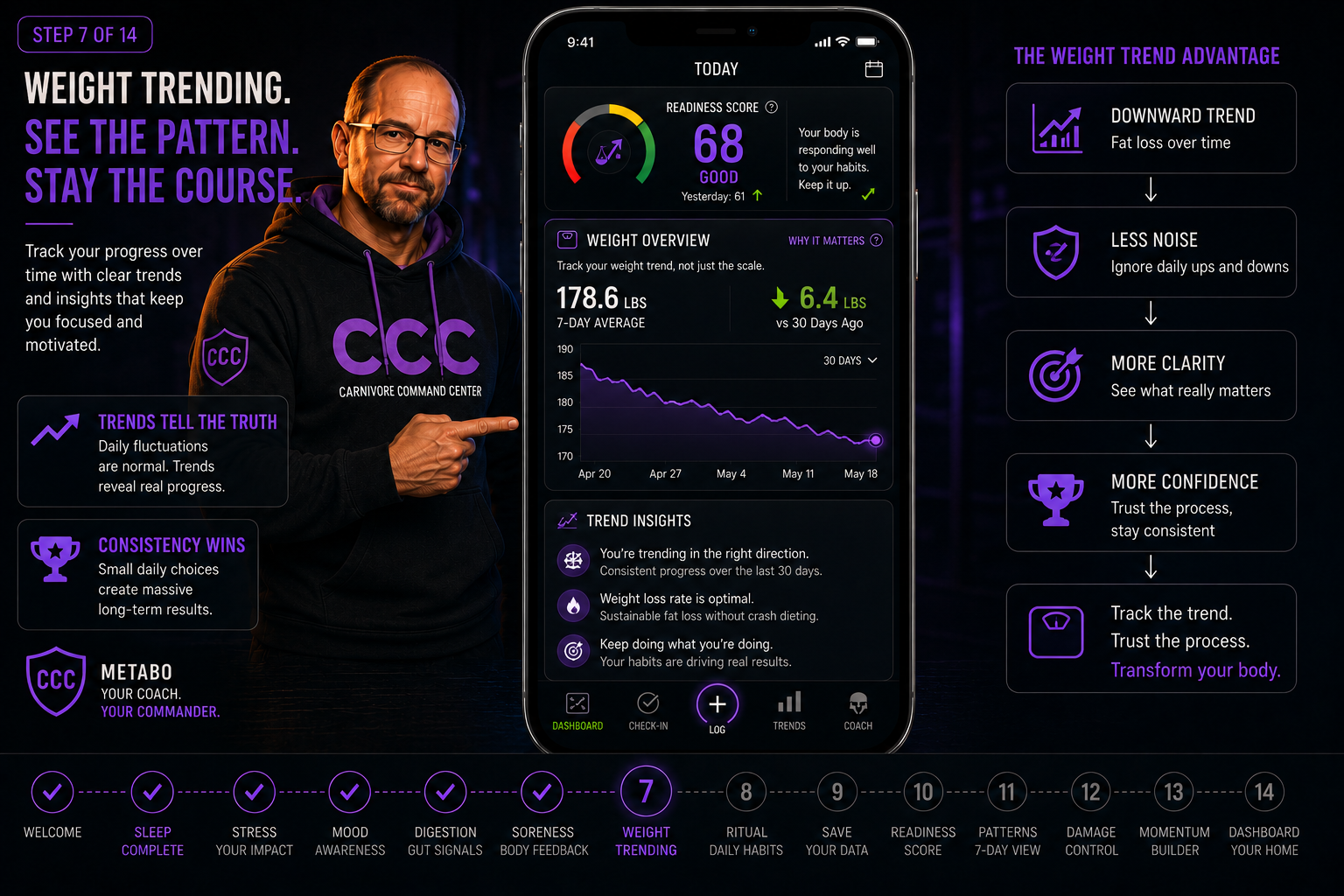
What CCC learns from weight
- Long-term direction
- Water-weight fluctuations
- Trend context without shame
Step 8 of 14 — Ritual
Turn the check-in into a daily pause.
The ritual makes checking in feel intentional instead of rushed. It becomes a quick reset before the day takes over.
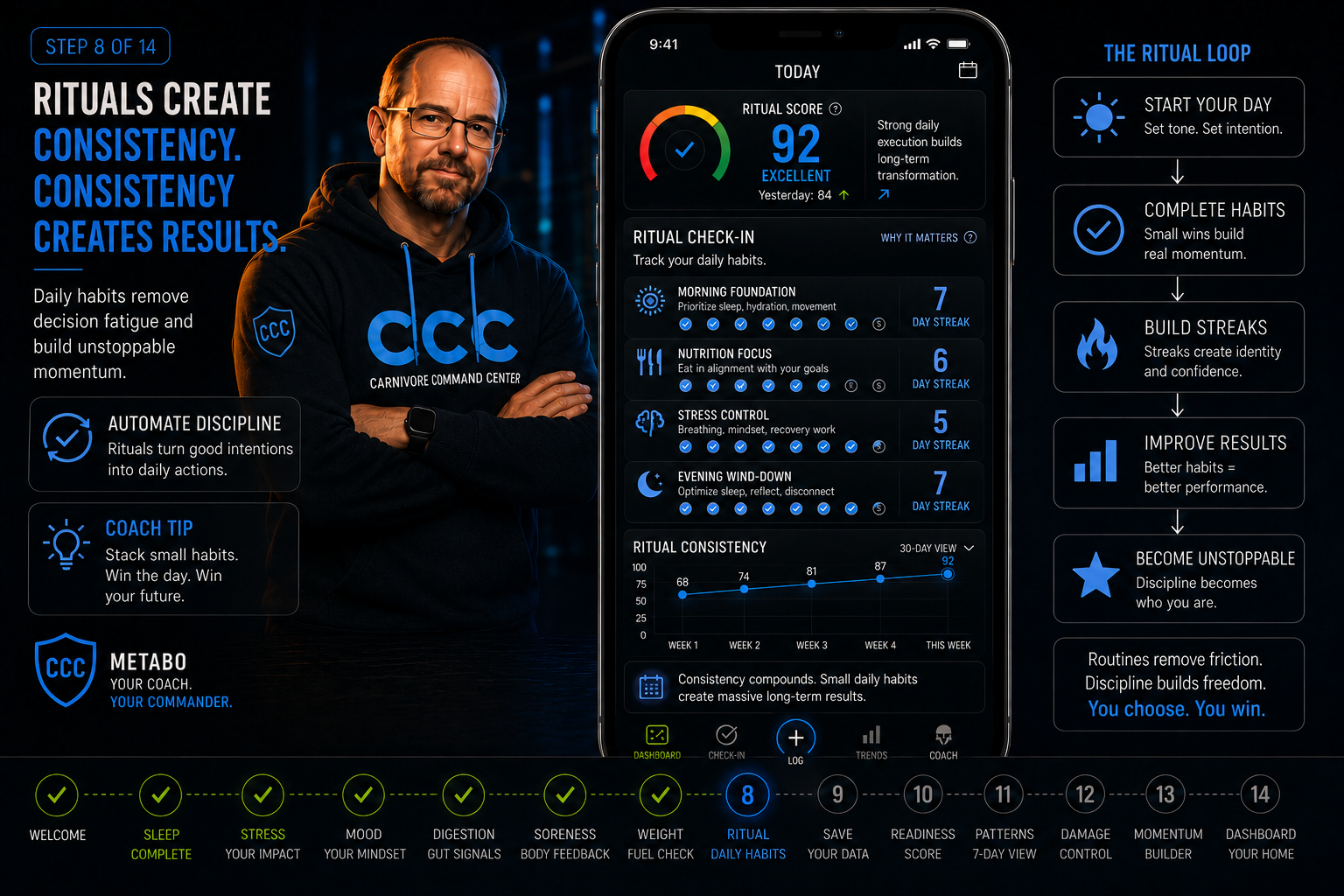
What the ritual builds
- Daily awareness
- Reflection before reaction
- A repeatable habit loop
Step 9 of 14 — Save Check-In
Save today’s signal snapshot.
One check-in is useful. Seven check-ins become powerful. CCC gets smarter as patterns build.
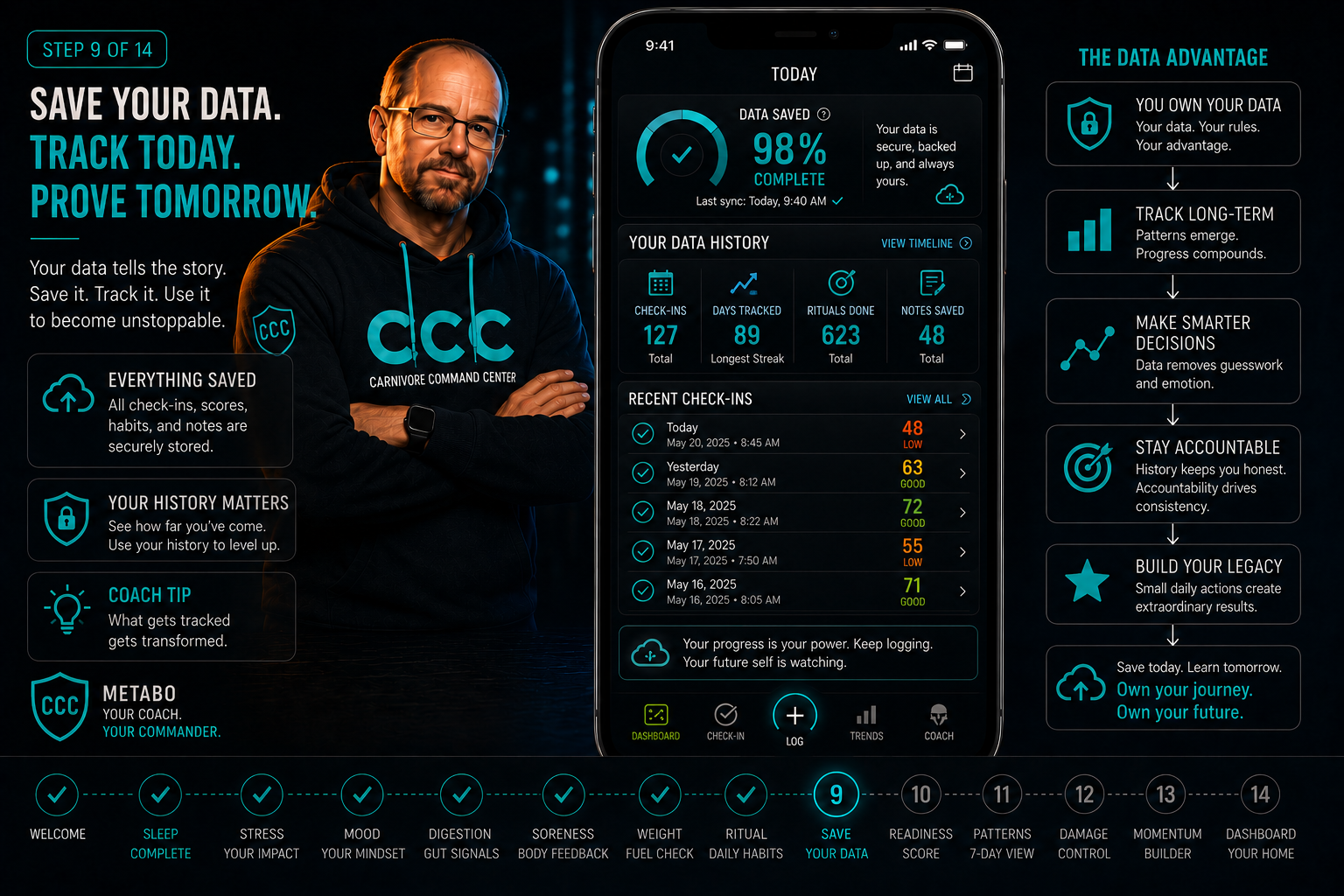
What happens after saving
- Your dashboard updates
- Trends begin forming
- Momentum starts building
Step 10 of 14 — Readiness
Turn signals into a readiness score.
Readiness combines your signals into a simple view of how prepared your body is today.
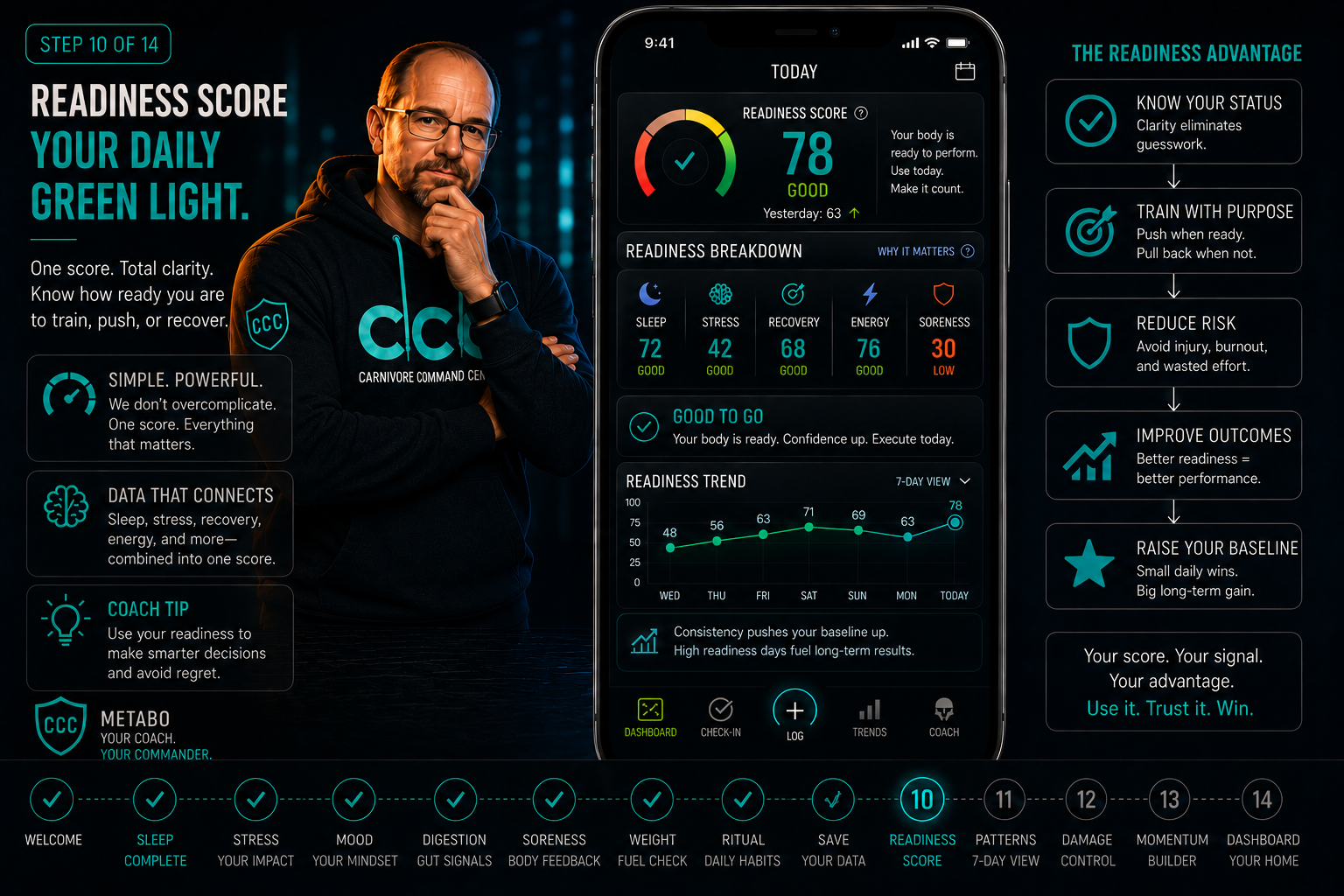
How to use readiness
- High = push intelligently
- Medium = stay steady
- Low = recover before you spiral
Step 11 of 14 — Patterns
CCC connects the dots over time.
Sleep, stress, digestion, soreness, nutrition, cravings, and readiness begin revealing patterns as your check-ins stack.
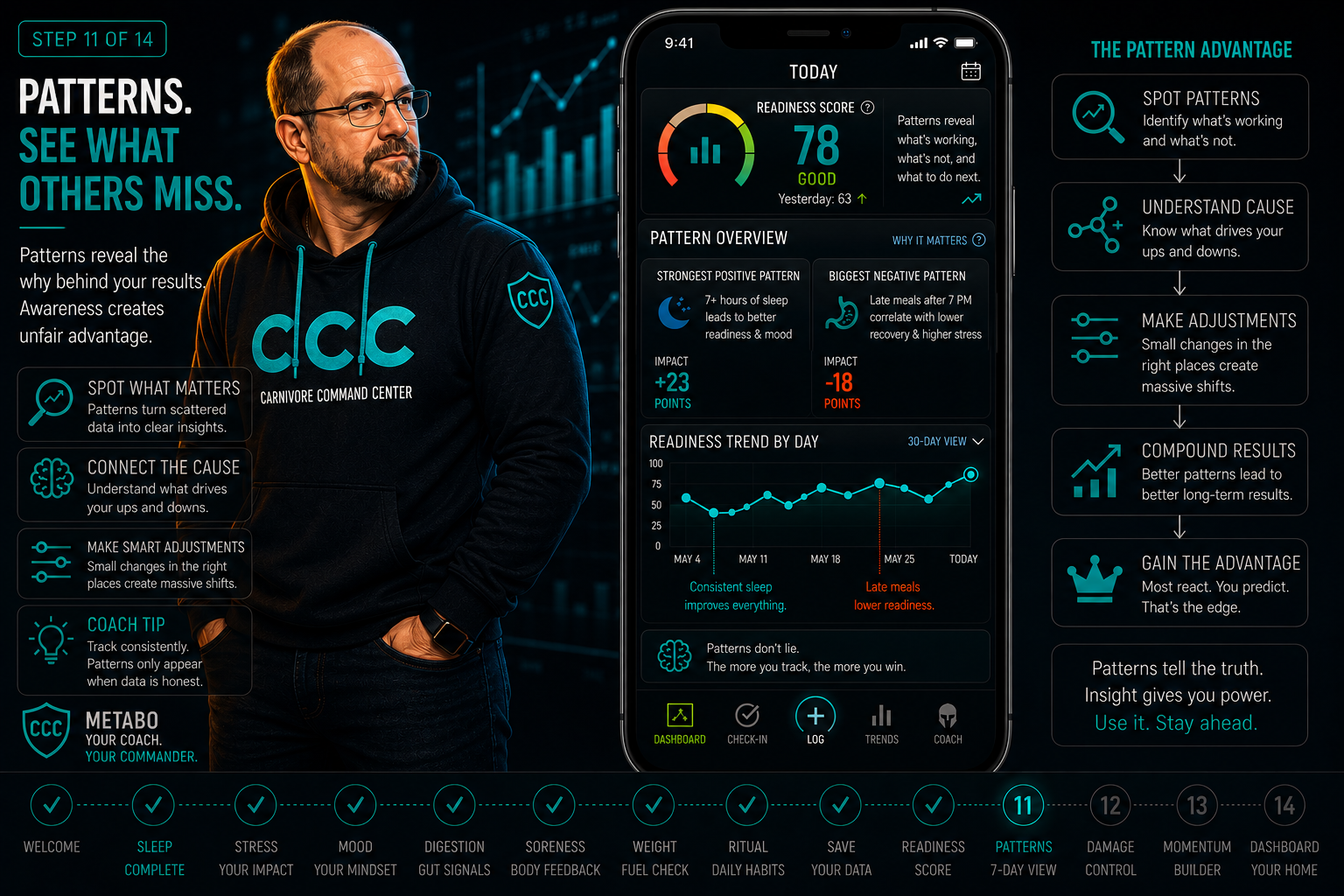
What becomes visible
- What lowers readiness
- What triggers cravings
- What actually helps you recover
Step 12 of 14 — Damage Control
One bad day is data — not defeat.
CCC helps you recover quickly after rough days instead of quitting or starting over.
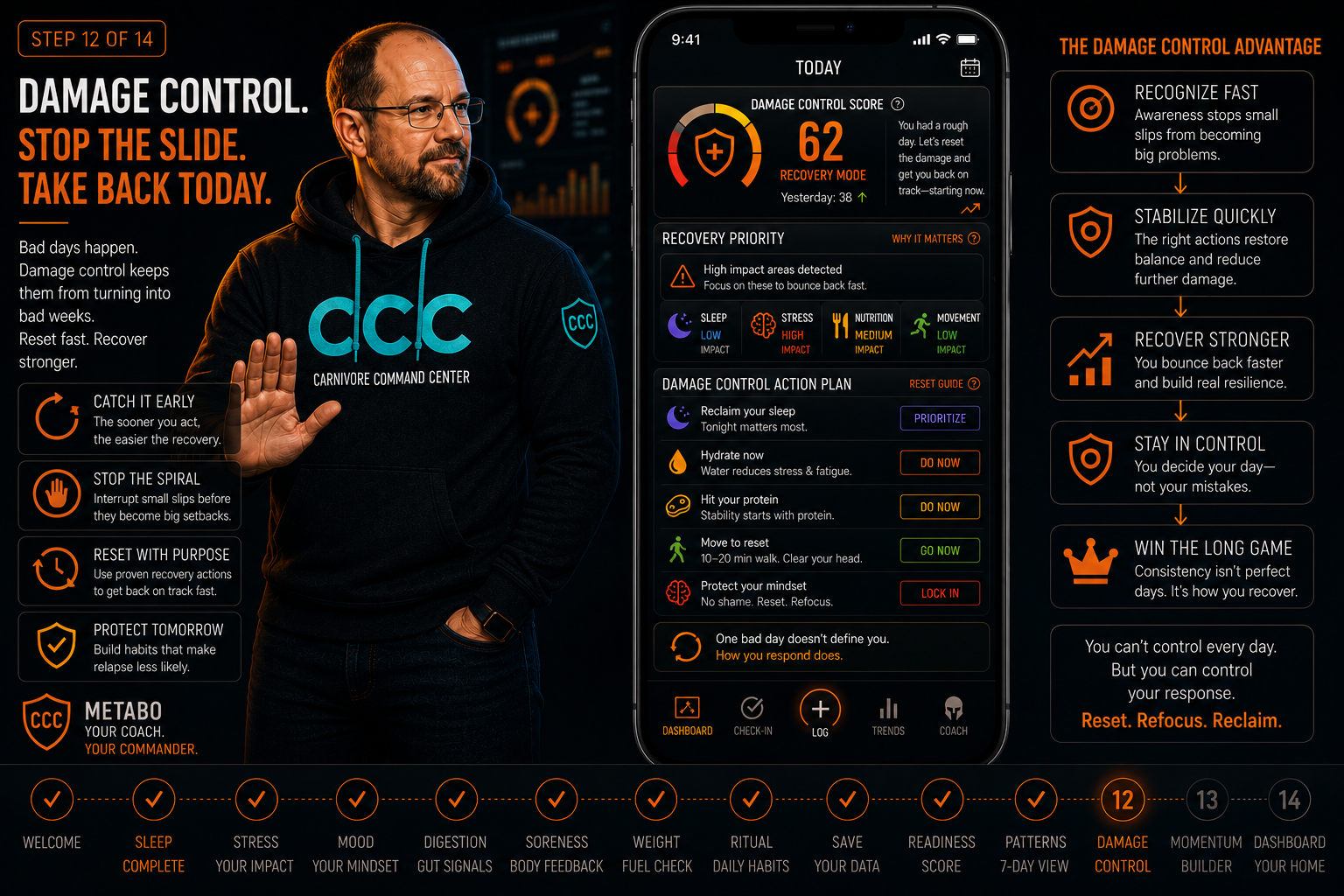
Damage control direction
- Hydrate
- Eat clean next meal
- Sleep early and rebuild tomorrow
Step 13 of 14 — Momentum
The longer you show up, the harder it is to stop.
CCC turns repeated check-ins into visible momentum so progress feels earned, measurable, and repeatable.
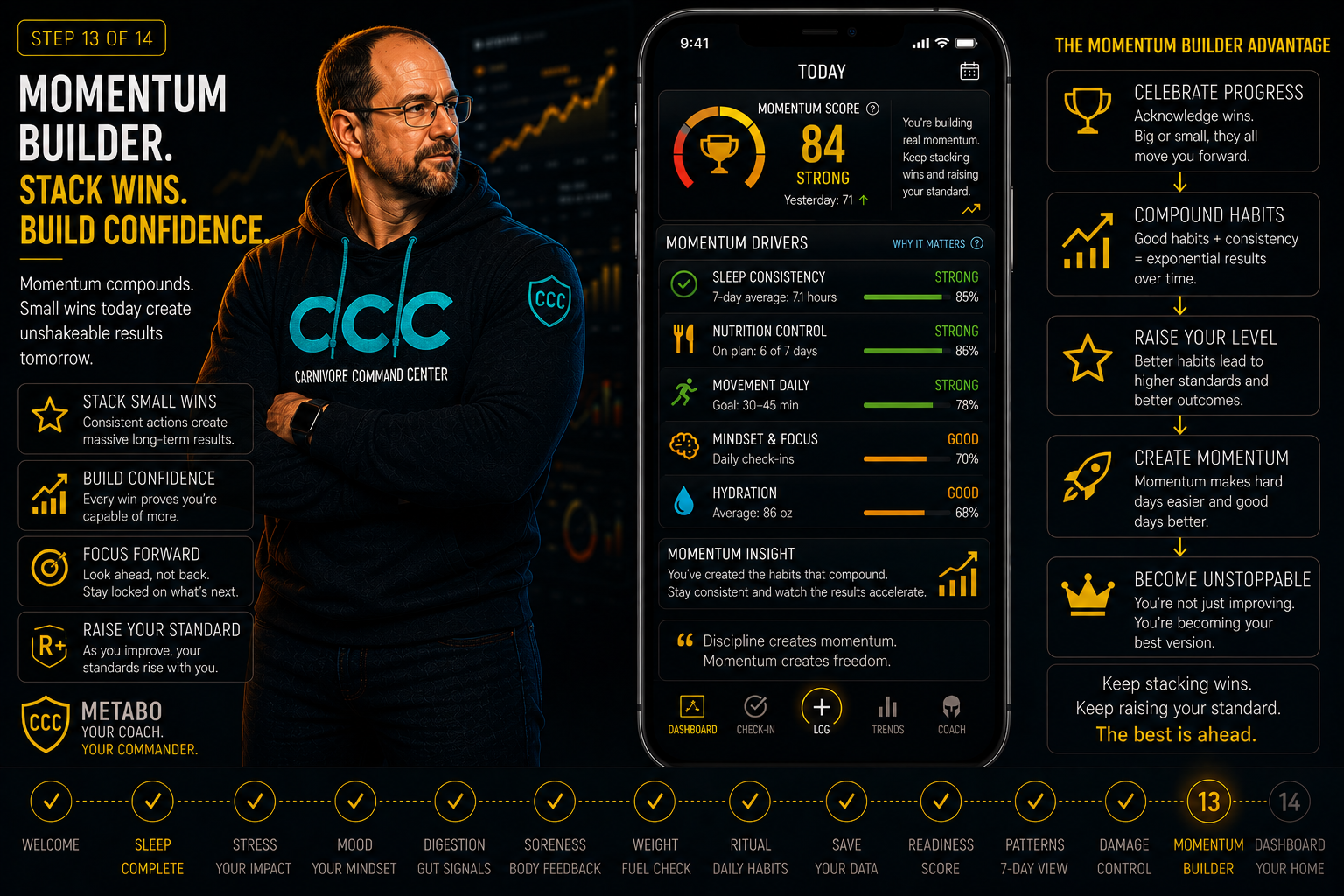
What momentum reinforces
- Daily consistency
- Identity-based discipline
- Proof that effort is stacking
Step 14 of 14 — Dashboard
Your dashboard turns daily signals into direction.
CCC brings your check-ins, readiness, patterns, recovery signals, and momentum together so you know what to do next.
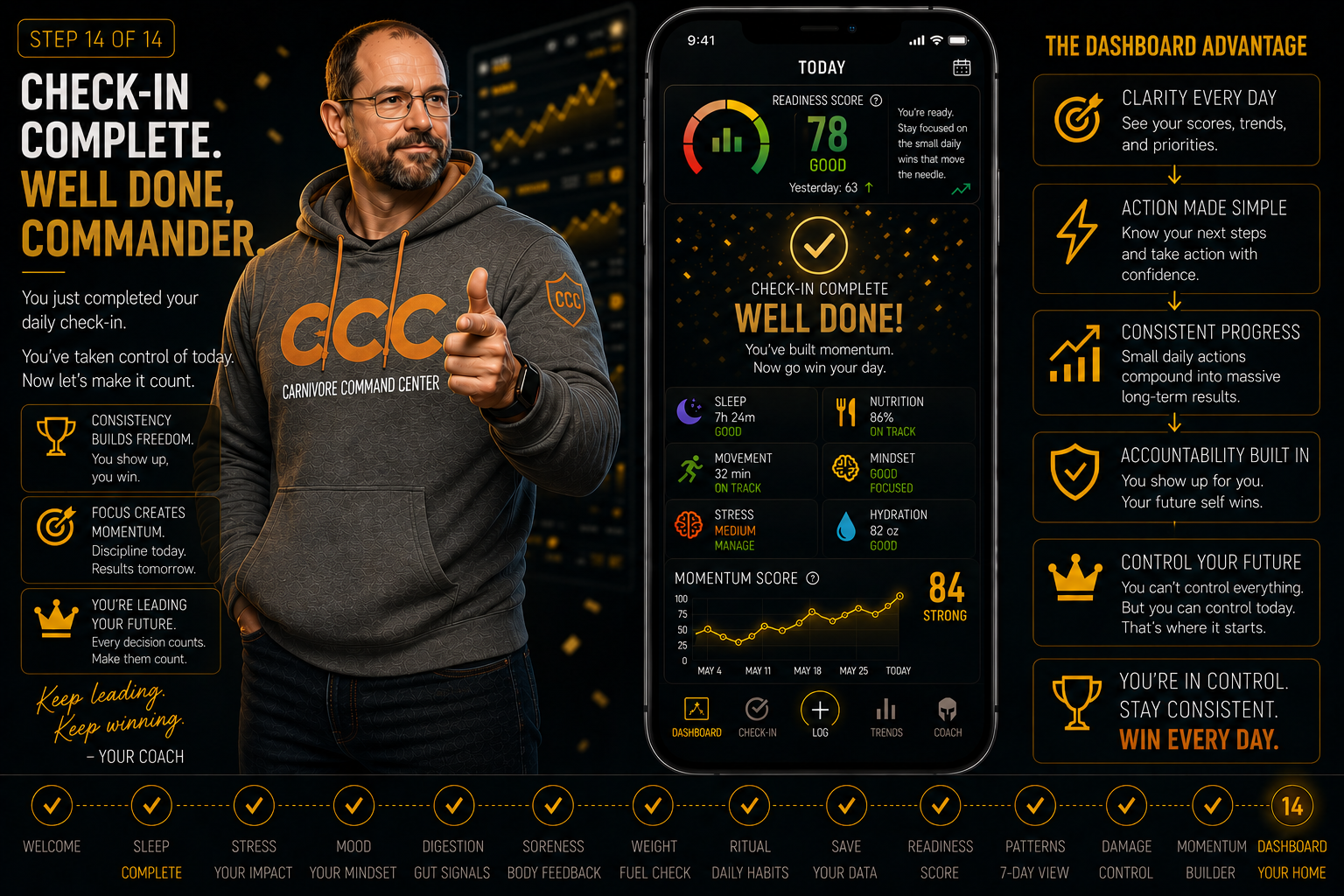
What the dashboard gives you
- A clear readiness snapshot
- Pattern awareness over time
- Daily direction without overthinking